Don't worry, contact your boss immediately
Don't rush to close it, now, please talk to our boss directly. Usually reply within 1 hour.

Hospital Beds
Hebei Chenzhao Technology Co., Ltd.
We Use SSL/3.0 To Encrypt Your Privacy



Step-by-step guide to design packaging boxes in Illustrator, from dieline and CMYK color mode to bleed, safe zone, vector artwork, and typography. Follow real rigid gift boxes projects for cosmetics, wine, electronics and gifts from AI file to OEM/ODM bulk production and brand impact.
You open Illustrator, you stare at a flat template, and you try to imagine a real box on a shelf. That’s basically the daily life for a lot of brand teams, packaging engineers, and buyers.
The good news: once you understand the packaging dieline in Illustrator, CMYK color mode, bleed and safe zone, and some basic print rules, you can take a design all the way to real rigid gift boxes sitting in your warehouse.
Below I’ll walk you through it, using examples that fit products like Magnetic Closure Boxes, Paper Tube Packaging, and other Boxes By Industry you find on your site.

A packaging dieline in Illustrator is your flat blueprint. It shows cut lines, fold lines, bleed area, and safe zone so the final rigid gift box folds and glues the right way.
You don’t start from the logo. You start from this blueprint.
Typical workflow that brand teams use:
DIELINE.ARTWORK, FOIL, SPOT UV.You treat the dieline like a die-cut tool: don’t scale, don’t stretch, don’t redraw curves. Your packaging engineer already tuned it for fit, pallet pattern and drop tests.
Here’s a quick checklist you can follow even if you’re not a “prepress guru”:
When you handle multi-SKU projects (for example a full line of Custom Cosmetics Boxes or Custom Tea Boxes), this step saves you from redesigning 20 boxes later because the first template was wrong.

Before you drop in any brand colors, set the technical side right. Most print houses still expect:
That’s standard advice in Illustrator packaging tutorials and print guidelines.
Basic sequence:
File → Document Color Mode → CMYK Color.Effect → Document Raster Effects Settings → 300 ppi.You don’t need be a packaging engineer to do this, but you do need to respect print rules so the press guy doesn’t call you at 2 a.m.
Bleed is extra artwork that extends past the cut line so you don’t get a white hairline after trimming. Safe zone is the margin inside the cut line where you keep key content (logo, claims, legal text).
Most packaging teams use around 3 mm bleed and keep important content a few millimeters inside the cut edge.
Here’s a simple reference you can drop straight into your SOP:
| Setting | Typical value for packaging boxes | Why it matters |
|---|---|---|
| Document color mode | CMYK | Matches print process, avoids color shift |
| Raster effects | 300 PPI | Keeps photos and textures sharp in print |
| Bleed on all sides | ~3 mm | Prevents white edges after trimming |
| Safe zone inside cut line | ~3–5 mm | Protects logos, claims, barcodes from being cut off |
| Linked image resolution | 300 DPI at final size | Avoids blurry product shots on the box |
When you design child resistant packaging or Custom Cannabis Boxes, that safe zone also protects regulatory text. No one wants “keep out of reach of children” printed across a crease.
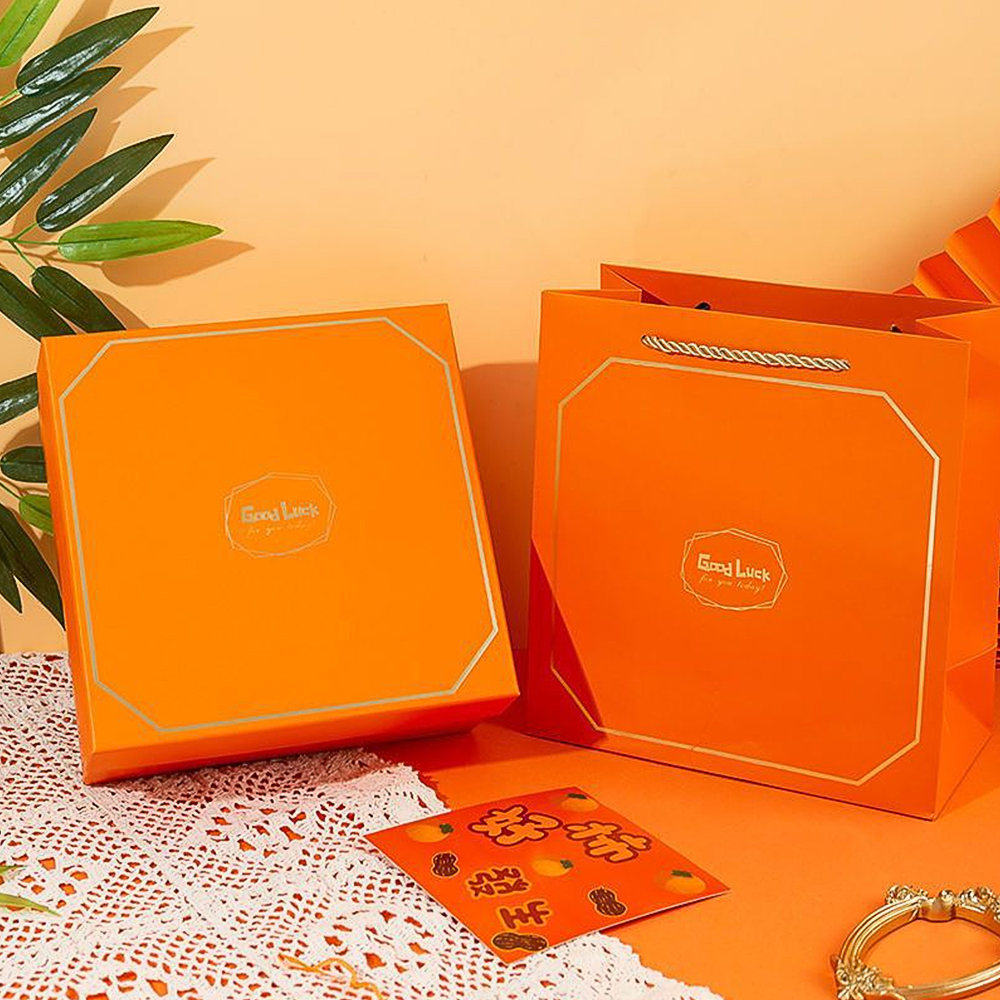
For rigid gift boxes, small print flaws show fast. The box sits in someone’s hand; they look at edges, logos, and tiny text.
So in Illustrator you want:
This step look small, but it protects you from re-running thousands of boxes because of missing fonts.
CMYK is your base, but rigid gift boxes often use:
In Illustrator:
FOIL_SPOT.For long-life projects (like Paper Tube Packaging for coffee or tea that runs across multiple seasons), color control is key. Brand team wants shelf consistency, supply chain wants repeatable print runs, procurement wants no nasty surprises.

Let’s say your marketing team is launching a new skincare line. They want:
You open Illustrator and work like this:
If you want to see how this looks in real production cases, you can look at your own Rigid Gift Boxes Delivery Case gallery for proof.
Here you already speak the same language as packaging engineers:
That makes your Illustrator file not just pretty, but manufacturable.
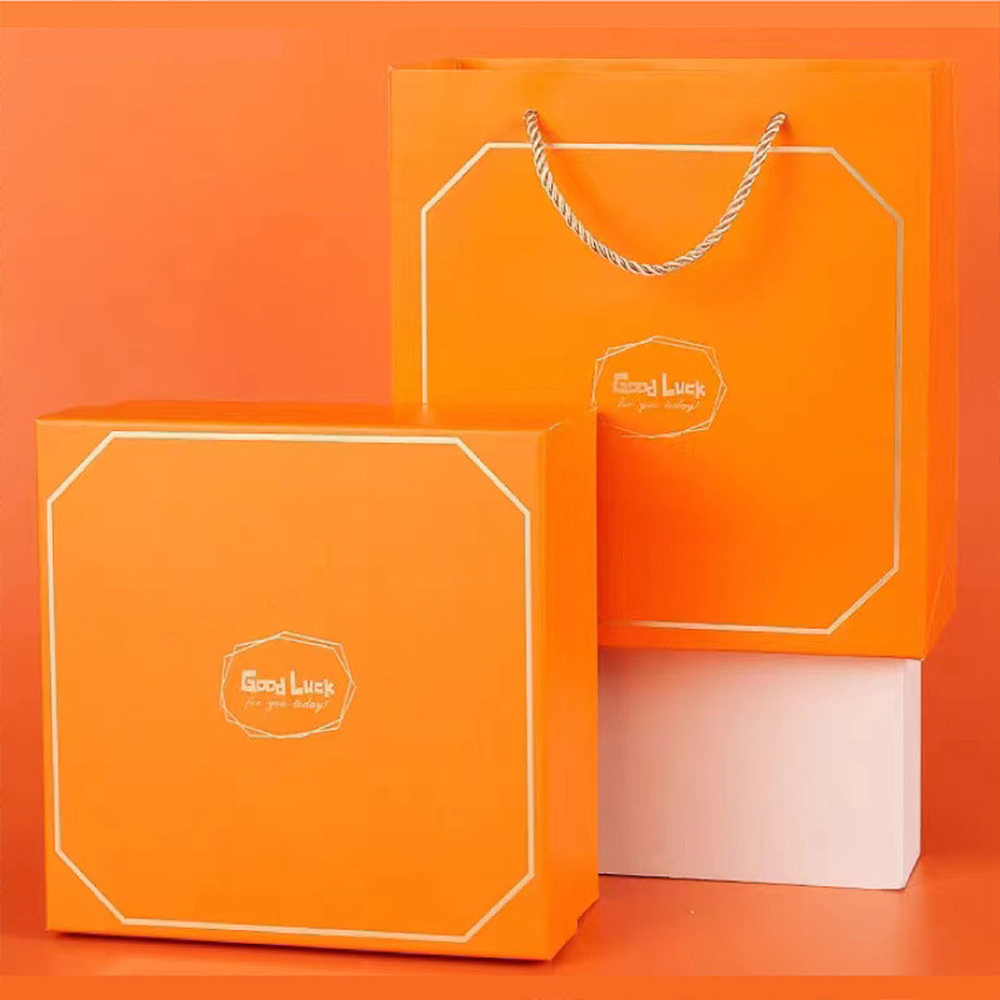
The last step is turning that artwork into real stock in the warehouse.
A typical flow with a rigid packaging supplier:
On your side, pages like Boxes By Industry and specific product families such as Magnetic Closure Boxes or Paper Tube Packaging help buyers and supply-chain leads match Illustrator designs with the right structure for each SKU and channel.
You don’t just “draw a box”. You build a small system that works for brand teams, packaging engineers, and wholesale partners all the way through the chain.